
Release notes ·
Published 3 min read
September 2026: Flipp on your phone, hiring and onboarding
The largest release so far, shipped between late August and the store approvals in September 2026.
Flipp on iPhone and Android
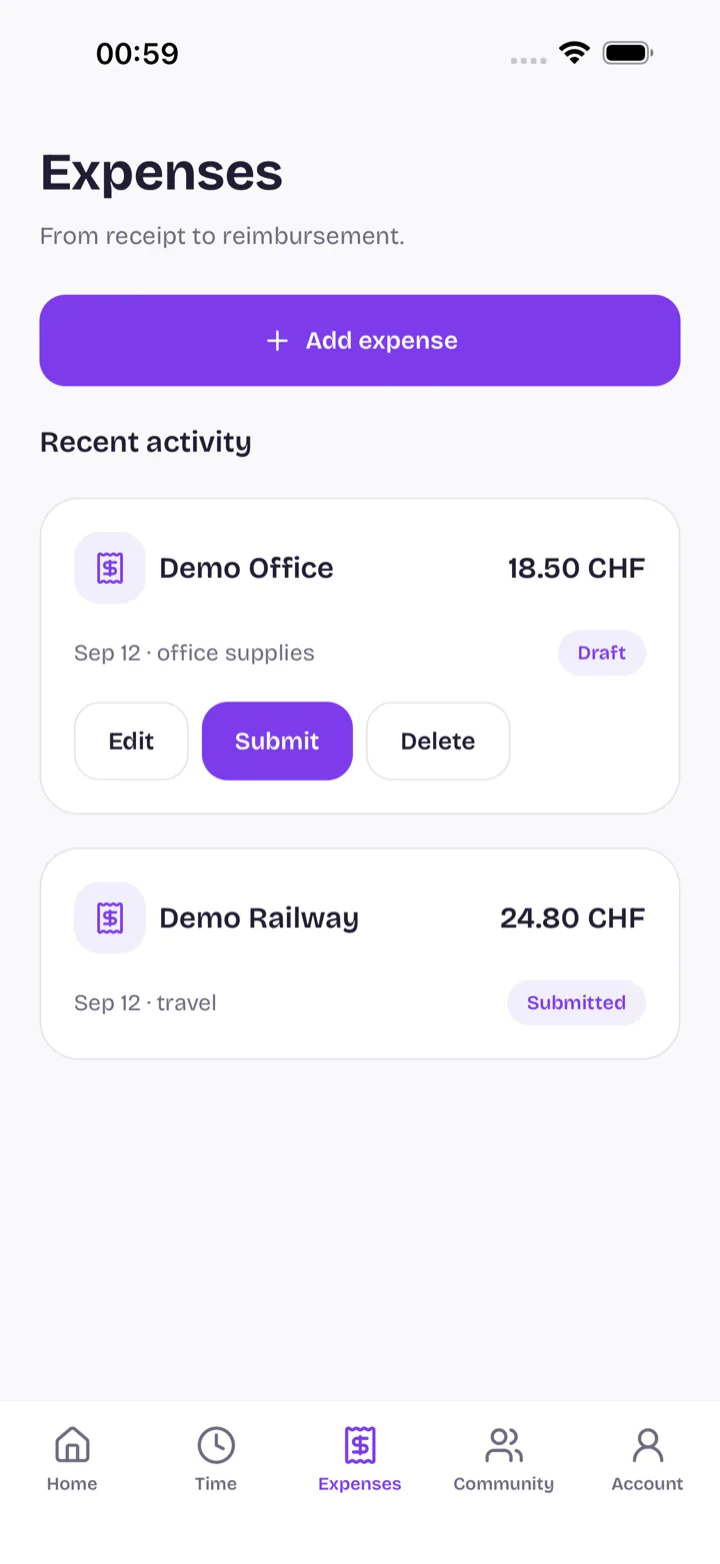
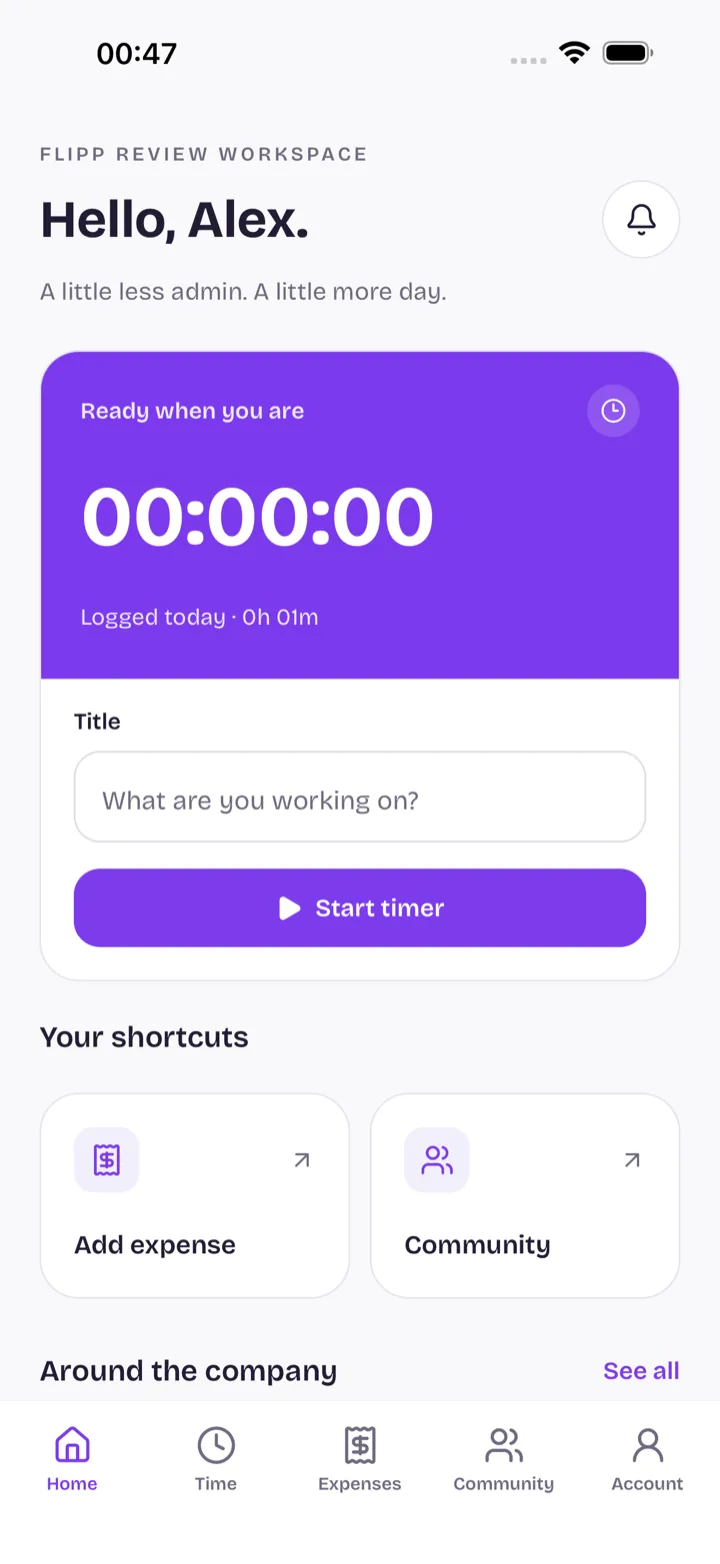
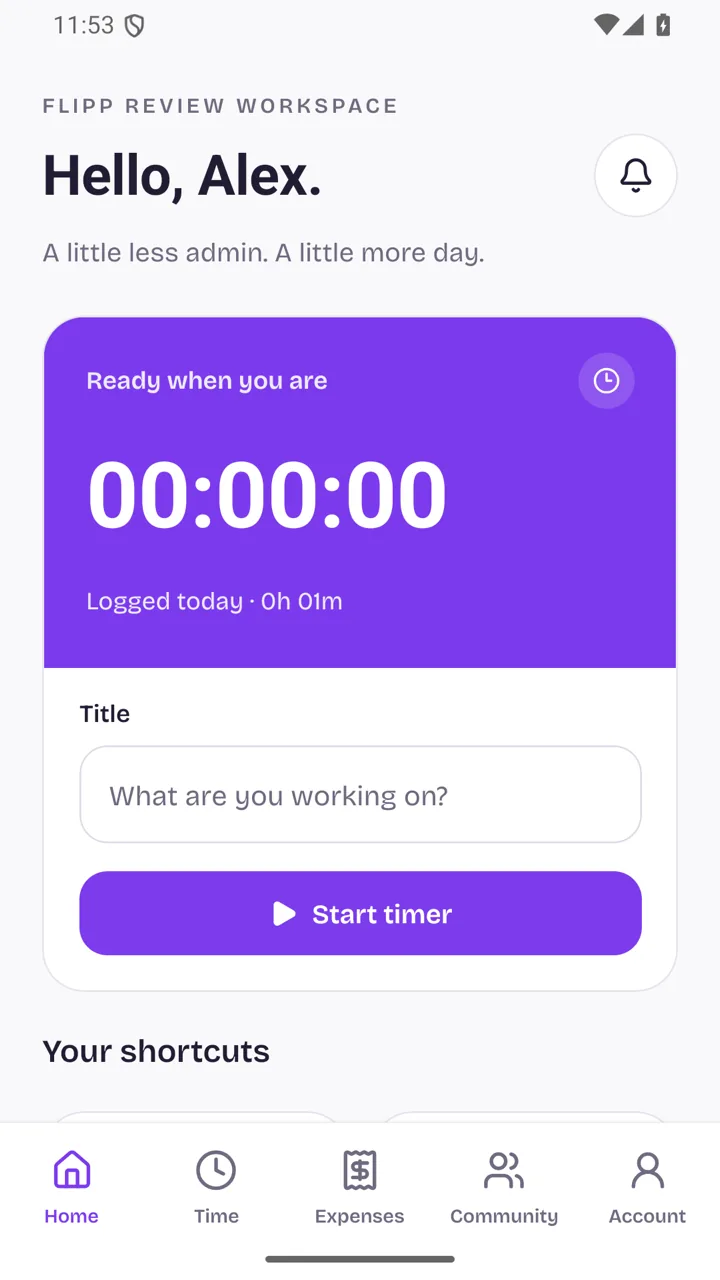
The mobile app is on the App Store and Google Play and signs in with your existing account. It covers Home, company updates, and time and expenses where those modules are switched on.
Hiring, from role to offer
Roles go through approval with salary bands and compensation benchmarks, and AI can read incoming résumés. Candidates follow their status through a personal portal, and a public job board lists your open roles.
Onboarding and probation
New starters receive onboarding email sequences, IT gets a provisioning queue, and probation runs on check-ins, goals and a closing review.
A company page and handbook
My Company opens on an overview and an employee directory. The handbook keeps versioned policies and a Q&A, and a help desk answers questions about using Flipp.
Notifications and company updates
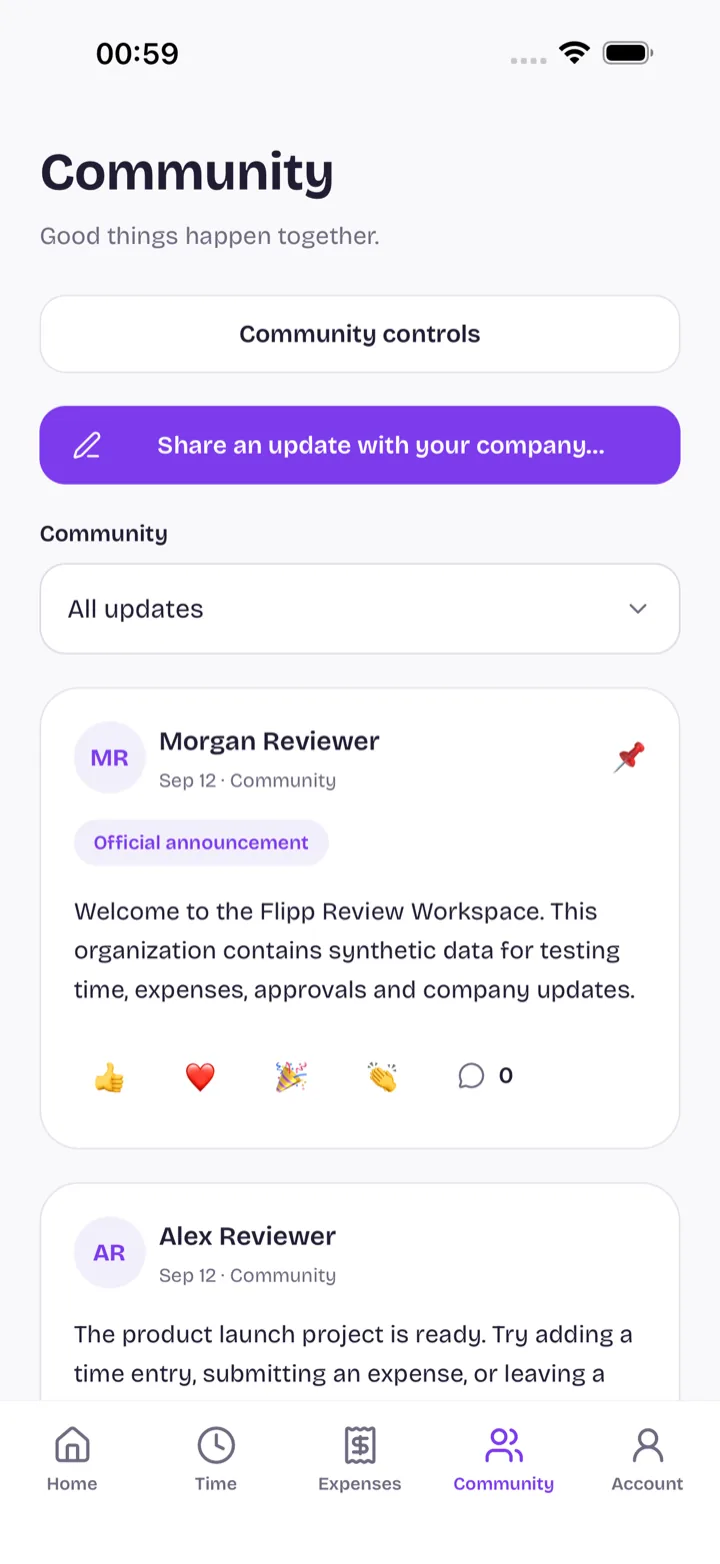
Notifications and action indicators show what is waiting for you, and a moderated community board carries company updates.
More ways in
Sign-in with Apple joins Google and Microsoft, new accounts start with a free personal workspace, and Microsoft Entra ID can keep your people directory in sync.
Time and expenses, in development
First versions of time and expenses are available to organisations that switch them on: a timer with approvals and working-time rules that know Swiss public holidays, and expenses with receipt capture, trips, meals and mileage. Both modules are still in development.
More from the blog
- March 2026: questionnaire results and all four languages
A results dashboard for questionnaires with group comparisons, PDF export and an AI summary, French alongside German and Italian, and candidate profiles.
- January 2026: German and Italian, a new Home and yearly plans
Flipp in German and Italian with a language selector, a new Home page, personal profiles with yearly objective plans, project boards and reworked reviews.
Bring us the process that slows your team down.
We will show you where Flipp can help, and what it would take to switch the module on.